
AI reads the card, both sides
Name, company, phone, email, address and website are saved from one photo. Send the back side and it goes on the same contact.

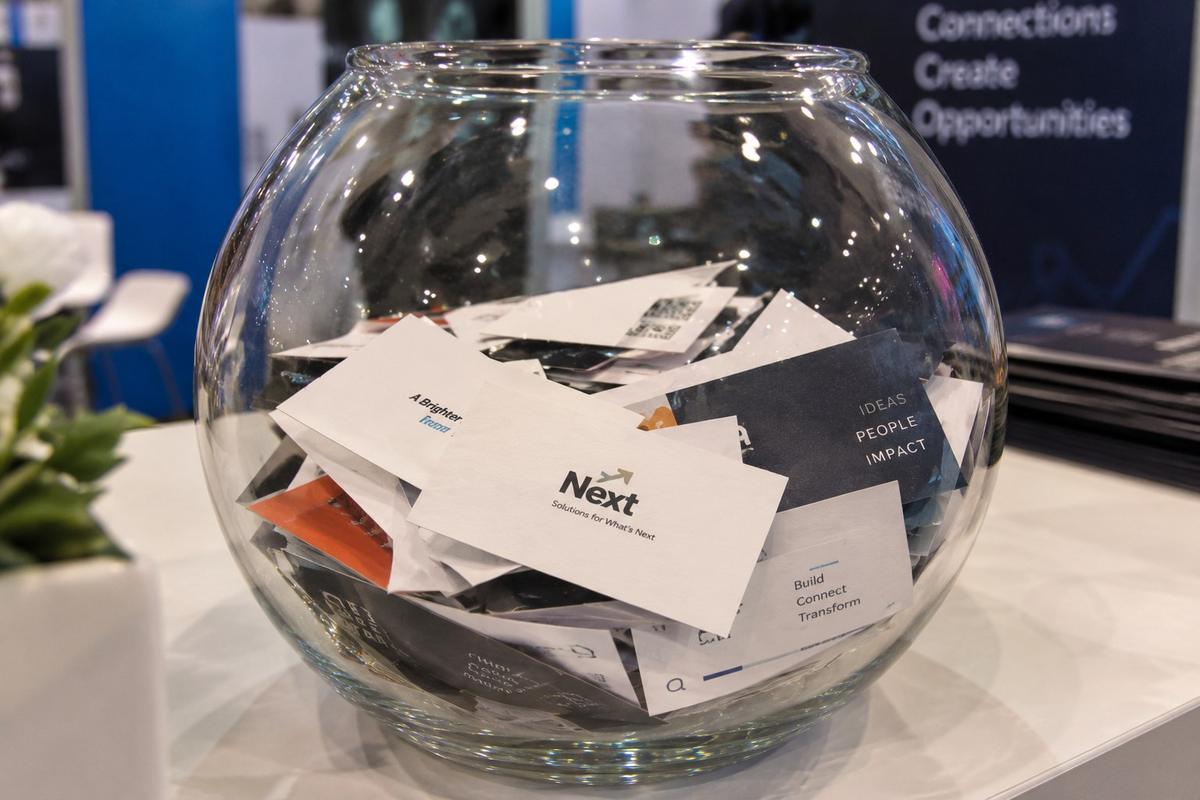
Stop collecting cards in a bowl, or taking notes in a notebook.
Photograph the visiting card in WhatsApp and every field is saved. Add a voice note with what you discussed. Your company details, catalog and brochure reach the visitor on WhatsApp and email before they leave your booth. Every contact lands in an Excel, automatically.
The walkthrough is being finished — for now, see the steps below.
The 45-second Expo Agent demo. Tap for sound.
Businesses that run on krid.ai
Jewellers, textile makers, machine builders, consultants, a rose nursery — the teams that stopped losing leads.

















The old way
Every stall does it. Every stall loses leads to it: follow-ups go out days late, nobody remembers who asked what, and the pile gets retyped by whoever drew the short straw.
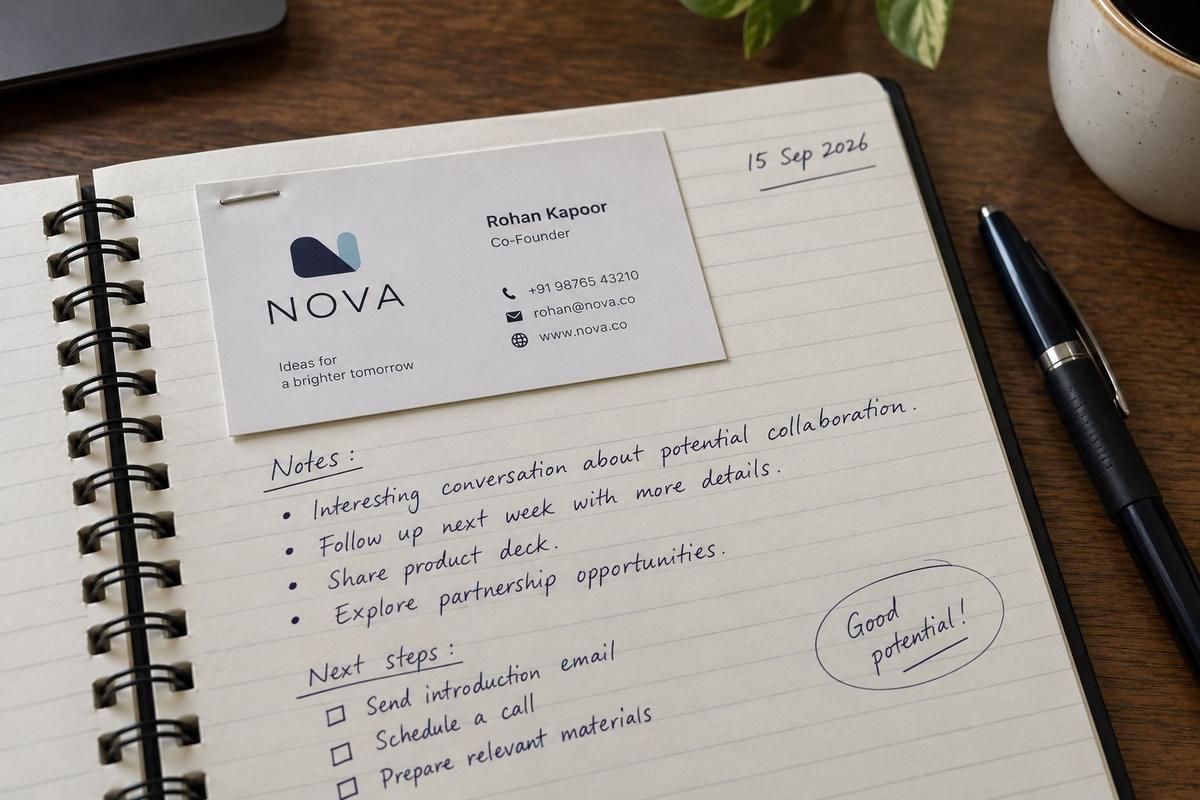
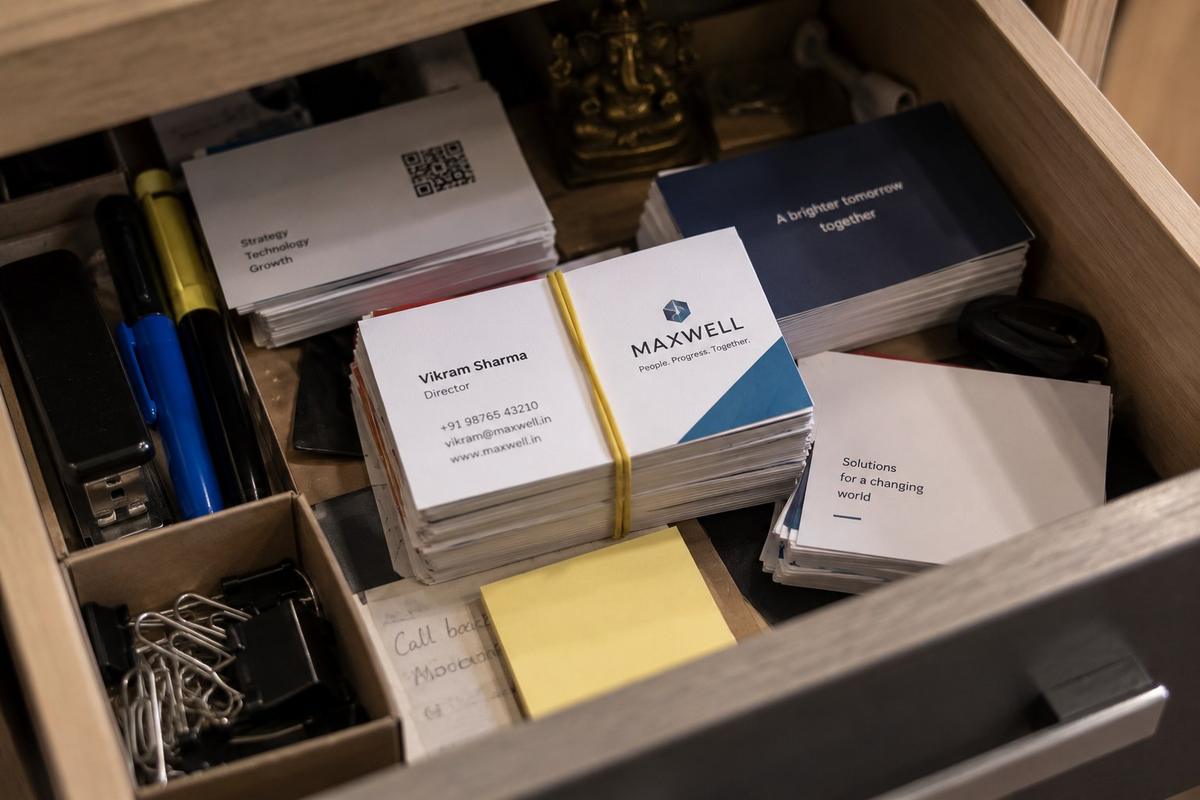
How it works · exhibition lead capture in four steps
Visiting card scanner, voice notes, automatic follow-up and Excel export — all on WhatsApp. Nothing to install, nothing to learn, nothing to retype.
Photograph the visiting card — every field saved instantly. Send the back side too; both go on the same contact.
Say what you discussed — it's saved with their contact. Type it instead if the hall is loud.
Company details, catalog & brochures — on email & WhatsApp, before they leave your booth.
Every voice note & visiting card image, organized automatically. Type "give me excel" and it arrives, ready for Google Contacts.
Setup takes about ten minutes. If your show is tomorrow, you're still in time. Download the how-it-works PDF ↗
Features
A visiting card scanner, a voice-note contact list and an automatic follow-up in one WhatsApp thread — exhibition visitor management without a CRM to learn.
Name, company, phone, email, address and website are saved from one photo. Send the back side and it goes on the same contact.
Tap Add Voice/Text Note after a card and say what you discussed. It's saved against that person, so nobody asks "who was this?" on Monday.
Each user's own visiting card is set up at signup. The visitor gets it on WhatsApp and email while they're still at your booth. On every plan, Trial included.
On Business and Enterprise, your catalog and brochure go out with the follow-up. Change them up to five times a year on Business, unlimited on Enterprise.
Business and Enterprise send from your number and your inbox, with fully customised, branded messages. Trial and Starter send from krid.ai's number on your behalf.
Type "give me excel" in the chat. Every contact, every note and every card photo, in a file that opens straight into Google Contacts.
Up to 3 users on Starter, 5 on Business, custom on Enterprise. Each rep scans from their own phone into the same shared list.
From Starter up, the follow-up email carries your company logo. (WhatsApp messages don't show a logo — that's WhatsApp, not us.)
Kept separate from every other customer's, encrypted, never sold and never used to train AI. Deleted on request from Starter up.
Basic on Starter, Premium on Business, Dedicated on Enterprise. Setup takes about ten minutes and our team helps you at every step.
Pricing · India
No setup fee. Pick by how many visiting cards you'll scan. Upgrade any time.
Free
See it work on your own visiting card today
₹999 / year
500 visiting cards a year, every show you attend
₹4,999 / year
2,500 visiting cards a year, from your own number
Talk to us
Custom scan quota, users and terms
All prices exclude GST (18%). Sending from your own WhatsApp number? Meta bills you directly for each message at Meta's current rate. Trial, Starter and Business are self-serve at platform.krid.ai/subscribe.
| Per year | TrialFree | Starter₹999 | Business₹4,999 | EnterpriseTalk to us |
|---|---|---|---|---|
| Visiting cards / year | 5 | 500 | 2,500 | Custom |
| Users | 1 | Up to 3 | Up to 5 | Custom |
| Your visiting card sent to every visitor | ✓ | ✓ | ✓ | ✓ |
| Each user's visiting card set up | ✓ | ✓ | ✓ | ✓ |
| Voice & text notes on every contact | ✓ | ✓ | ✓ | ✓ |
| Scan the back side of the card too | ✓ | ✓ | ✓ | ✓ |
| Google Contacts-ready Excel | ✓ | ✓ | ✓ | ✓ |
| Company logo on the email | — | ✓ | ✓ | ✓ |
| Data deleted on request | — | ✓ | ✓ | ✓ |
| Catalog, brochure & documents sent to visitors | — | — | ✓ | ✓ |
| Fully customised, branded email & WhatsApp messages | — | — | ✓ | ✓ |
| Own WhatsApp number & email inbox | — | — | ✓ | ✓ |
| Change logo, brochure & catalog | — | Logo, 1× a year | 5× a year | Unlimited |
| Support | — | Basic | Premium | Dedicated |
| Integrations & custom terms | — | — | — | ✓ |
| How to get it | Self-signup | Self-signup | Self-signup | Talk to us |
Compare · trade show lead capture, before and after
| Bowl, notebook & Excel | A card-scanner app | A CRM app | krid.ai Expo Agent | |
|---|---|---|---|---|
| Where it runs | The counter | A separate app on each phone | A separate app, with logins | Inside WhatsApp. Nothing to install |
| The visiting card | Sits in the bowl | Saved as a phone contact | Typed in by a rep | Photographed once, every field saved, back side too |
| What you discussed | Scribbled in the notebook | A typed note, if anyone types it | A typed note, if anyone types it | A voice note, saved with the contact |
| The visitor hears from you | Days later, if at all | Not from the app. You still follow up by hand | After someone sets up and sends a sequence | Company details, catalog & brochure on WhatsApp and email, before they leave your booth |
| Sent from | — | — | Your CRM's email | krid.ai's number & email on your behalf, or your own number & inbox on Business |
| After the show | Retyped into Excel | Export, then clean up | Reports, once the data is in | Google Contacts-ready Excel with every note and card image |
| Setup | None | Install on every phone, train the team | Days of setup and training | About ten minutes, on WhatsApp |
| What it costs | Your team's weekend | Usually a monthly fee per user | Usually a monthly fee per user | One flat price for the whole year, from free |
Business plan · before you connect WhatsApp
Your visitors will get your follow-up from your number. Meta's connect screen takes a few minutes — only if these five are in place first. Don't worry, our Expert Support team helps you on every step.
Not the regular WhatsApp app. The phone with that number must be with you when you connect.
How to check: the app icon says "WhatsApp Business" and has a "B" in it. In the app, Settings → your profile shows the business name and number.
If the number has a Meta AI subscription, cancel it first — Meta won't let it connect.
How to check: in the app, Tools → Meta Business Agent (older versions: "Your AI agent"). If it shows an active plan, cancel it there. No "Meta Business Agent" entry means you're clear.
WATI, AiSensy, Interakt or any other WhatsApp tool must be disconnected. A number can only be linked to one partner at a time.
How to check: in the app, Settings → Account → Business Platform. If it shows a connected platform, disconnect it there. Also check Settings → Linked devices for a tool logged in as a device. On the web: business.facebook.com → Settings → WhatsApp accounts → your account → Partners tab must be empty.
Meta bills your messages directly, and in India only cards that support the RBI e-mandate work — Visa or Mastercard from HDFC, ICICI, Axis, Kotak, SBI, IndusInd and most major banks.
How to check: business.facebook.com → Settings → WhatsApp accounts → your account → Payment settings. "No payment method found" means you'll add one after connecting (the connect guide shows how). Meta's full list ↗
Business verification done in Meta Business Manager — legal name, address and a registration document. If it's still pending, connect after it clears.
How to check: business.facebook.com → Settings → Business info. Look for "Business verification: Verified" with a green dot. "Not verified" or "In review" means wait for it to clear. How to verify ↗
Then: open the connect link we send you, sign in with the Facebook account that owns the Meta Business, and pick this number. Use the exact number you registered with us — a different one won't connect.
Business plan · before you connect email
Your visitors will get your follow-up email from your inbox, with your name on it. Connecting takes two minutes on Google's or Zoho's own sign-in screen.
Use the address visitors should reply to — sales@yourcompany, or your own Gmail if that's what you run the business from. Tell us the exact address; it's the one we'll send the connect link for.
Connecting means signing in on Google's or Zoho's own screen and clicking Allow. Whoever has that login does this step — it takes two minutes. If two-step verification is on, keep the phone handy.
Your name or your company name — e.g. Rohan Kapoor · NOVA. It goes on every follow-up email.
Your logo, visiting card, catalog and brochure are already with us from signup. Tell us if a different file should go out, or if the email needs a specific signature line.
Open the connect link we send you, sign in with the exact address you gave us (pick it if you're signed in to several), review the permissions, click Allow, wait for "Success!" and tell your krid.ai contact you're done.
For exhibitors across India
Expo Agent is a visiting card scanner, an exhibition lead capture tool and an automatic follow-up in one — made for the week an Indian SME exhibits.
Most business card scanner apps stop at saving the card to your phone. Expo Agent reads the visiting card in WhatsApp, saves every field as a contact, keeps your voice note against it, and sends the visitor your company details, catalog and brochure on WhatsApp and email while they are still at your booth. The follow-up is the point; the scan is just how it starts.
No logins, no training, no data entry after the show. Every rep scans from their own phone into one shared list, and the whole show comes back as a Google Contacts-ready Excel with every note and card image. Expo lead management for a team that would rather sell than type.
It only needs a phone with WhatsApp, so it works at any trade fair or B2B exhibition in India — Bharat Mandapam and Pragati Maidan in Delhi, India Expo Mart in Greater Noida, Bombay Exhibition Centre and Jio World Convention Centre in Mumbai, BIEC in Bengaluru, HITEX in Hyderabad, Chennai Trade Centre, and the show in your own city. Your card quota covers the whole year, not one event.
Gems and jewellery exhibitors, garment and textile makers, machine tool and industrial manufacturers, home furnishing brands, auto component suppliers, nurseries and agri businesses, packaging companies and consultants — Indian SMEs with a booked stall and a team of one to five on the floor.
Google reviews
What customers say about krid.ai on Google — across WhatsApp, calling and lead handling.
Earlier, enquiries that came in at night or on Sundays just sat there till Monday. Now the WhatsApp bot replies instantly, asks the right questions, and the lead is ready for us in the morning. We've closed a few deals we would have lost.
We get a lot of IndiaMart enquiries and most of them were junk. My team was wasting half the day calling people who were never going to buy. Krid now filters and qualifies them first, and we only call the serious ones. Our follow-up time has dropped a lot.
We're a manufacturing business, not a tech company, so I was worried about setup. The Krid team did everything: WhatsApp API, training the AI on our product catalogue, testing. It went live without us having to figure anything out.
Craftslane signed up with Krid.ai some 6 months ago, and we have to say that the experience has been amazing! With an incredibly proactive team with high agility, and very low response times, the process has been seamless. We have received many bulk orders with the help of our AI Agent and this was exactly the objective when we signed up. So KUDOS to a great Team & great Work!
The AI calls sound natural and the lead qualification is accurate. The first two weeks needed some tweaking to get the script right for our product, and the dashboard took time to learn. Now it's working well and my sales team only talks to interested buyers.
One of the best WhatsApp marketing platforms I have experienced! My experience with Krid AI has been really good. The product is user-friendly, effective, and makes WhatsApp marketing and lead management much easier. What I appreciate the most is not just the product, but the team support. The Krid AI team is very helpful, responsive, and always ready to guide whenever there is any issue or question.
We are enjoying working on use cases and workflows with Krid AI, looking forward to great ROI together.
Krid.ai is very simple to use and very helpful in our lead handling.
Amazing high quality AI automation for lead management.
I really appreciate how it helped me with practical solutions.
FAQ
How it works, what it costs, and what happens to your data. Have another question? WhatsApp +91 85277 34152.
It scans visiting cards, but there is no app to install: it runs inside WhatsApp. Photograph the card, every field is saved as a contact, and the visitor automatically receives your company details, catalog and brochure on WhatsApp and email. A scanner app stops at saving the card; Expo Agent also does the follow-up.
No. There is no app. It works inside WhatsApp, which your staff already use every day. They take a photo of the visiting card and send it. That's it.
Because by then the visitor has forgotten you. With Expo Agent, your card and catalog reach the visitor while they are still standing at your booth. They remember you.
One message on WhatsApp and one email. It has your visiting card and your company details. On the Business plan it also has your catalog and brochure, and it goes from your own number and email. Nothing else is ever sent to them.
Send a photo of the back side as well. Both sides are saved to the same contact.
After sending a card, tap Add Voice/Text Note. Speak or type what you discussed. It is saved with that person's contact.
Type Give me excel in the chat. You get an Excel file with every contact, every note and every card photo. You can open it in Google Contacts directly.
Every plan gives you an Excel with every contact, note and card photo that opens straight into Google Contacts and imports into any CRM that accepts a spreadsheet. Direct CRM integrations are part of the Enterprise plan.
Yes. It needs only a phone with WhatsApp, so it works at any venue in India, at every show you attend during the year. Your plan's card quota is for the whole year, not one event.
500 visiting cards for one full year, at every show you attend, for up to 3 people from your team. The Business plan is ₹4,999 for 2,500 cards and 5 people. GST is extra.
Yes. Your first 5 cards are free. Sign up at platform.krid.ai/subscribe and try it on your own visiting card today. You can upgrade any time.
Only one, and only on the Business plan: if messages go from your own WhatsApp number, Meta bills you directly for each message at Meta's current rate. That's all. All prices exclude GST (18%).
No. On Trial and Starter the follow-up goes from krid.ai's WhatsApp number and email, on your behalf. You only connect your own number and inbox on the Business plan.
Yes. Setup takes about ten minutes, on WhatsApp. Give us your visiting card, logo and catalog at signup and you are done. Our Expert Support team helps you at every step.
Upgrade to the next plan any time from the same subscribe link, or tell us on WhatsApp and we'll size the right plan before your show. Enterprise plans carry a custom quota.
Yes. Same phone, same number, same WhatsApp Business app. You chat with customers exactly as before. Only two things change: you can no longer send broadcast lists from the app (krid.ai sends them for you), and disappearing messages, view-once photos and live location stop working in one-to-one chats.
No. Your old chats stay on your phone. We see only the new messages that come after you connect. Nothing from before is copied.
Never. You type your password only on Meta's, Google's or Zoho's own screen. We never see it. Nobody from krid.ai will ever ask for a password, an OTP or your card details. If someone does, it is not us.
Gmail (including personal @gmail.com), Google Workspace and Zoho Mail today. Outlook, Yahoo, Rediffmail and others are coming later.
On krid.ai's own secure servers. Your data is kept separate from every other customer's, locked with encryption, and only you can see it. We do not share it with anyone, and we never sell it.
No. Our Terms say it in plain words: your data is never sold and never used to train AI.
Yours. The contacts you collect belong to you. We only hold them for you and do what you tell us. You can download the full list any time.
Yes. On Starter and above, just ask and we delete it. When you close your account, we delete your data anyway, except the billing records the law says we must keep.
They are treated with the same care as yours. The message reaches your visitor from your number and your name. How we handle their details is written in our Privacy Policy, which has a section just for WhatsApp. The plans, payment rules and our promises about your data are in the Terms of Use.
Prefer a call?
Leave your number and our team reaches out on WhatsApp to load your visiting card, logo and catalog with you. Or skip the wait and subscribe directly at platform.krid.ai/subscribe.
WhatsApp +91 85277 34152
Trial · first 5 cards free · no card details
Setup takes about ten minutes. Subscribe now and your team is scanning cards before the doors open.